
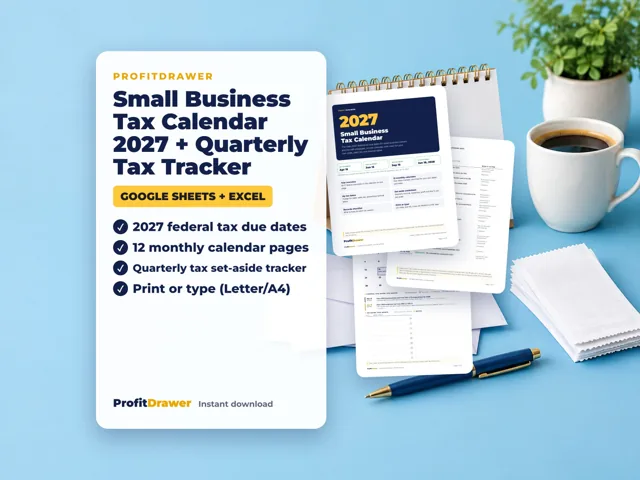
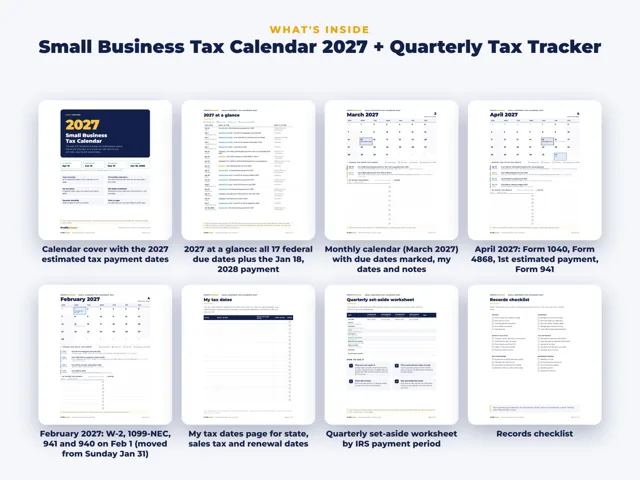
You can pay estimated tax online from a bank account with IRS Direct Pay, which is free and needs no sign-in, or through your IRS Online Account. Debit card, credit card and digital wallet payments go through IRS-approved processors that charge a fee. The last 2026 estimated payment is due January 15, 2027. ProfitDrawer's 2027 tax calendar lists the 2027 due dates.
Paying with Direct Pay (the free bank account option):
- Go to irs.gov/payments and choose Direct Pay.
- Pick a personal tax payment and choose estimated tax (Form 1040-ES) for the right tax year.
- Enter your details and bank information, and choose a payment date.
- Save the confirmation number; you can also choose to get it by email.
Good to know (IRS payments pages, reviewed 2026):
- Bank account payments are free. A Direct Pay payment cannot exceed $10 million.
- Card and digital wallet fees go to the processor, not the IRS, and card processing fees are tax deductible for businesses.
- Federal tax deposits, such as payroll taxes, cannot be paid by card. The IRS says individuals can no longer open new EFTPS accounts; people already enrolled can keep using it for now.
- You can also pay by check, money order or cash, or by same-day wire, which may carry a fee.
For the 2027 tax year, payments are due April 15, June 15 and September 15, 2027, and January 18, 2028 (January 15, 2028 is a Saturday and January 17 is Martin Luther King Jr. Day). Confirm the January date on irs.gov. General information, not tax advice.
Source: IRS: Payments · Updated
Tools and spreadsheets for this
Related questions
- When are quarterly estimated tax payments due in 2027?
- Do I have to pay quarterly estimated taxes in my first year of business?
- What is the penalty for not paying quarterly estimated taxes?
- What is the safe harbor rule for estimated tax payments?
- How much should I set aside for taxes if I am self-employed?
- When are small business taxes due in 2027?
All questions on ProfitDrawer Answers →
General information, not tax, legal or financial advice. Check the rules for your state and your situation.