
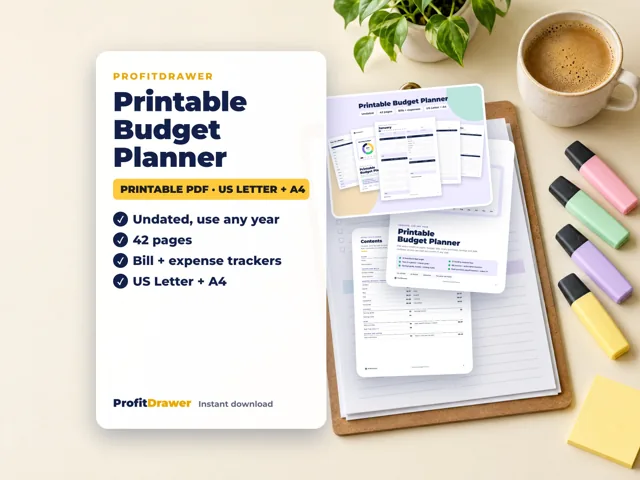
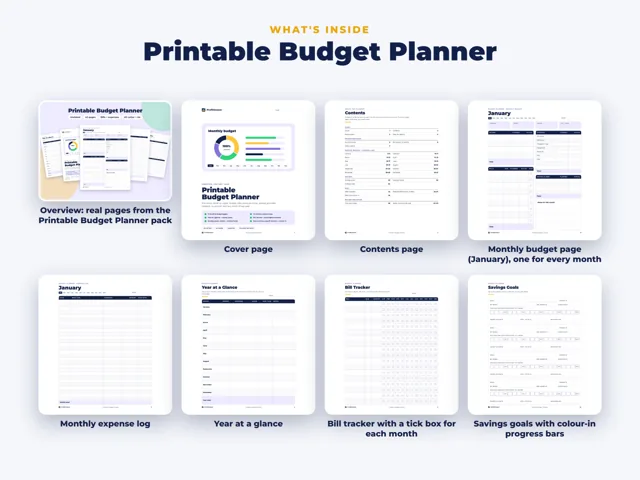
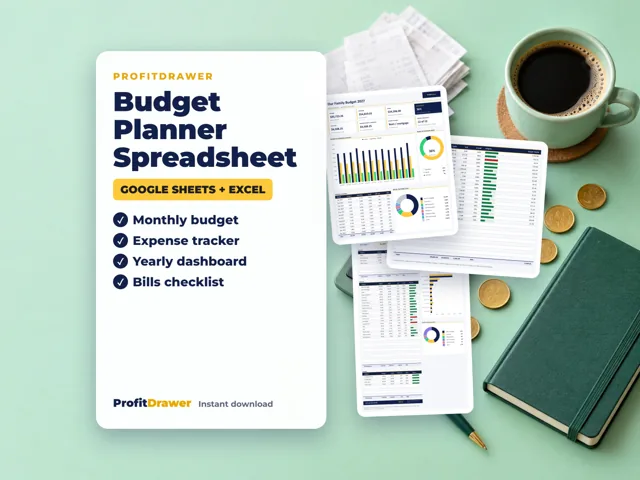
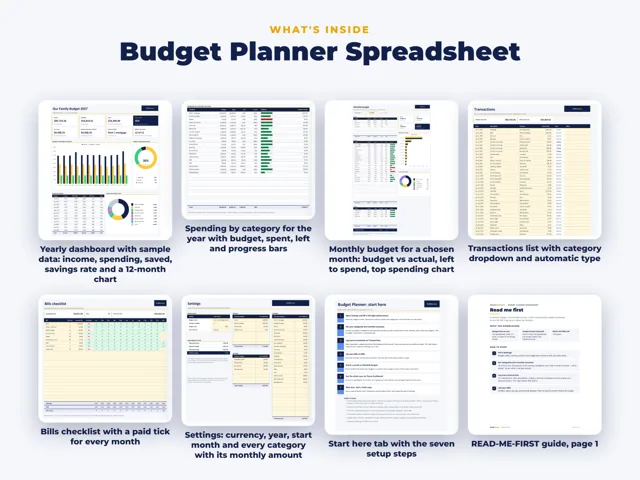
Use paper or a simple spreadsheet: keep every receipt, write each purchase down by category, and total it weekly against your budget. The Consumer Financial Protection Bureau suggests tracking spending for a week or a month, putting receipts in a folder you review at the end of each week, and comparing actual spending to your budget monthly or more often. ProfitDrawer's printable budget planner has 12 monthly expense logs for this.
Three ways that work without an app:
| Method | How it works |
|---|---|
| Notebook or printed log | Write date, what for, category, amount and how you paid, right after each purchase |
| Receipt folder | Drop every receipt in a folder and total by category once a week |
| Spreadsheet | Type purchases in once a week from receipts and bank statements; the totals add up for you |
A weekly routine:
- Collect receipts from your wallet, bag and car.
- Check your bank and card statements for anything without a receipt, like autopay bills.
- Record each item under a category: groceries, fuel, dining out, household, fun money.
- Total each category and compare it with what you planned.
- Adjust: cut back in a category that is running high, or move money from another one on purpose.
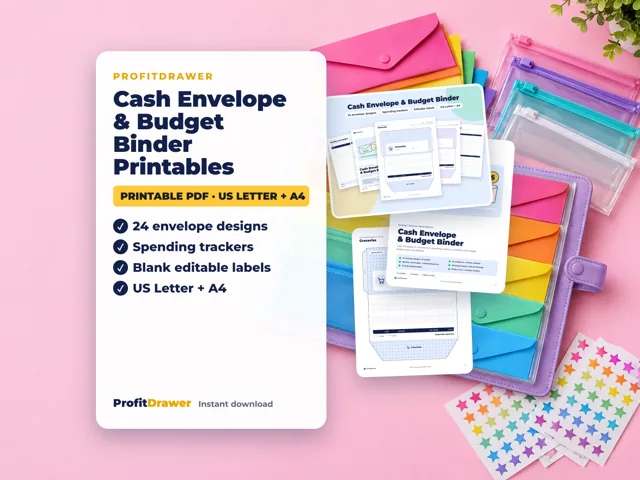
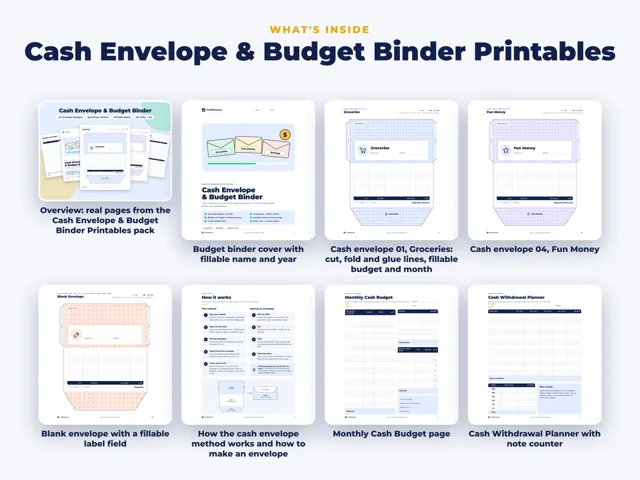
For small purchases, the CFPB suggests setting a weekly limit and taking that much cash at the start of the week. Cash envelopes with a spending log on the back make the limit visible.
Start with one week if a whole month feels like too much.
Source: Consumer tips for managing spending (Consumer Financial Protection Bureau) · Updated
Tools and spreadsheets for this
Related questions
All questions on ProfitDrawer Answers →
General information, not tax, legal or financial advice. Check the rules for your state and your situation.