
Short answer
Yes. Type your currency symbol, such as $, £ or €, once in the Currency symbol box on the Settings tab of a ProfitDrawer bookkeeping spreadsheet, and every tab's labels and totals follow it. The workbook works in one currency per file and does not convert between currencies. The mileage rate on Settings is per mile, so enter the rate that applies where you file, such as the 2026 IRS rate for US businesses.
Set it up:
- Open Settings.
- Type your symbol in Currency symbol (the example file shows $).
- Enter amounts on Income and Expenses as plain numbers. Column headings such as Amount and the dashboard totals show your symbol automatically.
Things to know:
- One currency per file. If you are paid in another currency, record the amount converted into your home currency on the day you were paid, and note the original amount in the client or note field.
- Google Sheets locale. The currency labels come from the Settings symbol. If plain number cells still look odd after importing, change the file's locale with File > Settings > Locale in Google Sheets.
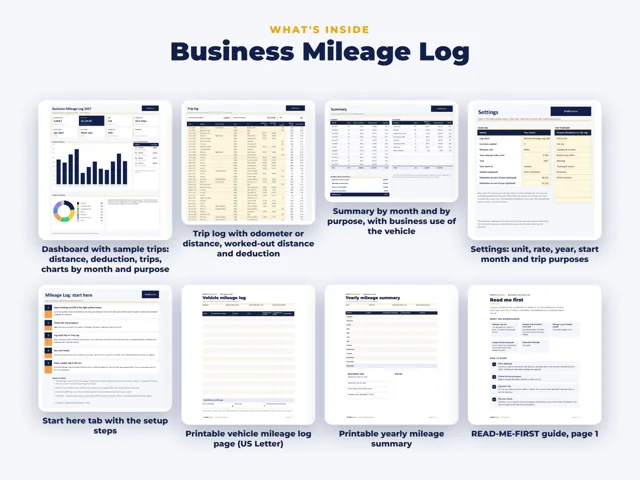
- Mileage. The bookkeeping file's rate is per mile. For 2026 the IRS business rate is 72.5 cents a mile to June 30 and 76 cents from July 1. If you use kilometres, the separate ProfitDrawer mileage log supports miles or kilometres with your own rate.
- Tax set-aside is a percentage you choose on Settings, so it works in any currency, but the tax guidance on ProfitDrawer pages is written for the US.
Source: ProfitDrawer FAQ · Updated
Tools and spreadsheets for this



Related questions
All questions on ProfitDrawer Answers →
General information, not tax, legal or financial advice. Check the rules for your state and your situation.