
Short answer
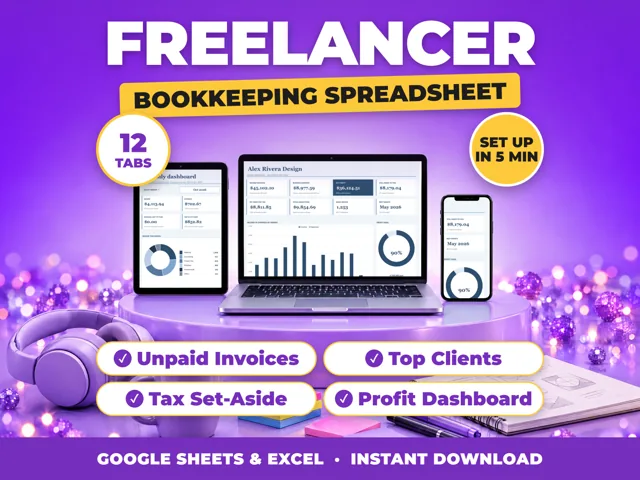
Work backward from what you need: the monthly pay you want, plus the share of profit you set aside for tax, plus any money to keep in the business. To take home $3,000 a month while setting aside 25% of profit for tax, you need $4,000 of monthly profit ($3,000 / 0.75). Add your monthly expenses to get a sales target. A ProfitDrawer bookkeeping spreadsheet stores the goal in Settings and shows progress on its Monthly Dashboard.
Steps:
- Monthly pay target: what you want to move to your personal account.
- Tax set-aside: many self-employed people set aside 25% to 30% of profit. Profit needed = pay / (1 minus set-aside).
- Reinvestment: add any amount for savings, equipment or a cash cushion.
- Sales target = profit goal + monthly business expenses. With $2,500 of expenses, $4,000 of profit needs $6,500 of sales.
- Turn it into work: divide the sales target by your average job or order. At $150 a job, $6,500 is 44 jobs (43.3 rounded up).
Then track it:
- Compare actual profit with the goal every month.
- Expect seasonal months; you can set a yearly goal and check the average.
- If you keep missing the goal, check prices first, then costs, then how many jobs you can fit in.
General information, not tax advice.
Source: Small Business Bookkeeping Spreadsheet (ProfitDrawer) · Updated
Tools and spreadsheets for this







Related questions
- How much should I set aside for taxes if I am self-employed?
- How do I price a service job so I make a profit?
- What is a good profit margin for a small business?
- How do I pay myself from my small business?
- How do I know if my small business is actually making money?
- How do I calculate profit margin for my small business?
All questions on ProfitDrawer Answers →
General information, not tax, legal or financial advice. Check the rules for your state and your situation.