
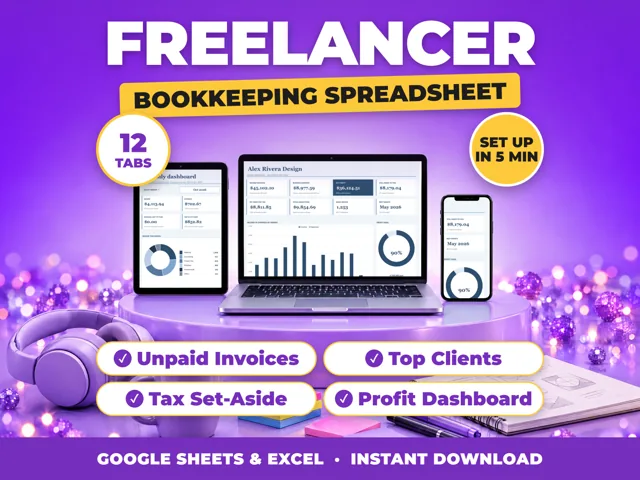
Keep one list of every invoice with its number, client, date sent, amount and a paid yes or no column, sort it by date sent, and follow up at set points such as 30 and 60 days. A ProfitDrawer bookkeeping spreadsheet does this on its Unpaid Invoices tab, which flags invoices at 30 and 60 days. The SBA suggests issuing invoices immediately and having a follow up system for collecting.
Steps:
- Number every invoice and record it the day you send it, with the due date.
- Mark it paid only when the money reaches your account.
- Check the list weekly. Highlight anything past due, for example with conditional formatting in Google Sheets.
- Follow up on a schedule: a friendly reminder at the due date, a call at 30 days, a firmer notice at 60 days.
- Change terms for slow payers. The SBA suggests deposits and, for slow-paying customers, payment on delivery.
Totals worth watching: how much is owed in total, how much is over 30 days, and which clients pay late most often. Money owed to you is a sale, not cash, so a large unpaid total can squeeze cash flow even in a profitable month.
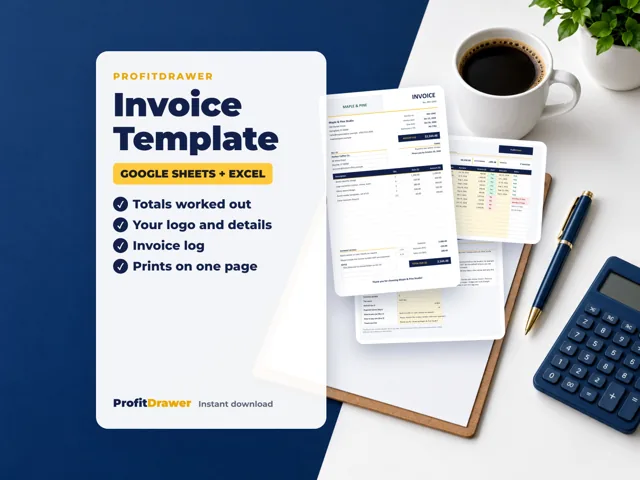
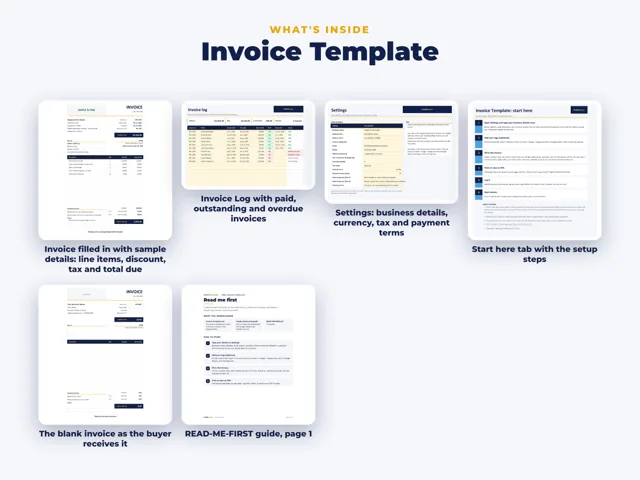
A bookkeeping spreadsheet tracks invoices you have already sent; it does not create them. A separate invoice template is used to write the invoice itself.
Source: Small Business Bookkeeping Spreadsheet (ProfitDrawer) · Updated
Tools and spreadsheets for this


Related questions
- What is cash flow in a small business?
- How do I use conditional formatting to highlight overdue invoices?
- How do I know if my small business is actually making money?
- What is in a ProfitDrawer bookkeeping spreadsheet?
- Does a ProfitDrawer bookkeeping spreadsheet file my taxes or create invoices?
- How do I keep track of business expenses as a small business owner?
All questions on ProfitDrawer Answers →
General information, not tax, legal or financial advice. Check the rules for your state and your situation.