
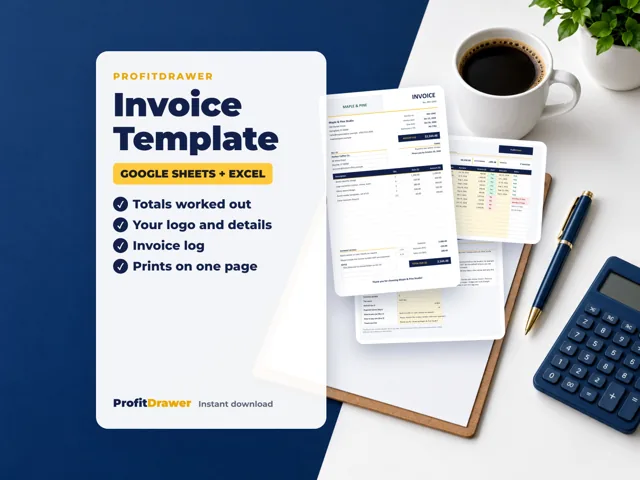
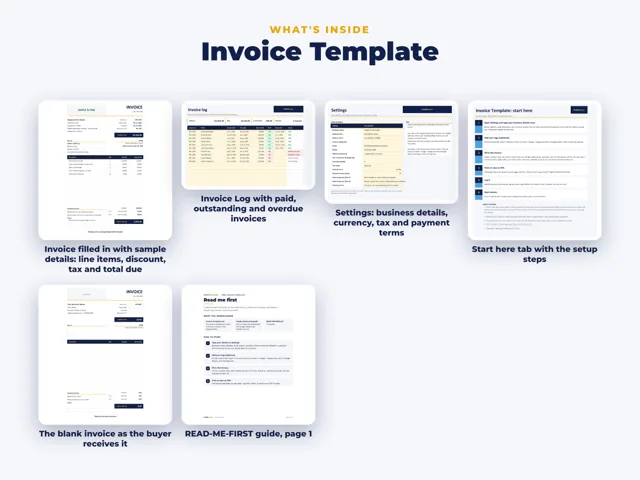
Yes. ProfitDrawer's Free Invoice Template is an Excel workbook that also imports into Google Sheets. It fills in your business details, works out up to 14 line items, a discount, a tax with your own name such as sales tax or VAT, and the total due, and sets the due date from your payment terms. An Invoice Log tracks up to 500 invoices as paid, outstanding or overdue. It is free with a free account on profitdrawer.com.
What is in the download:
- Invoice-Template.xlsx with 4 tabs: START HERE, Settings, Invoice and Invoice Log
- Google-Sheets-Setup.pdf, how to import it into Google Sheets
- READ-ME-FIRST.pdf, a 3-page guide
Features:
- Business details, logo box, payment details and notes on the invoice
- Due date = invoice date + the payment terms you set
- Currency symbol set once on Settings
- Prints on one page, US Letter or A4
- The invoice carries no ProfitDrawer branding
- Formulas are locked in Excel with no password; in Google Sheets the locks are not kept
How to get it: sign in or create a free ProfitDrawer account on profitdrawer.com and download it straight away. It stays in My purchases so you can download it again.
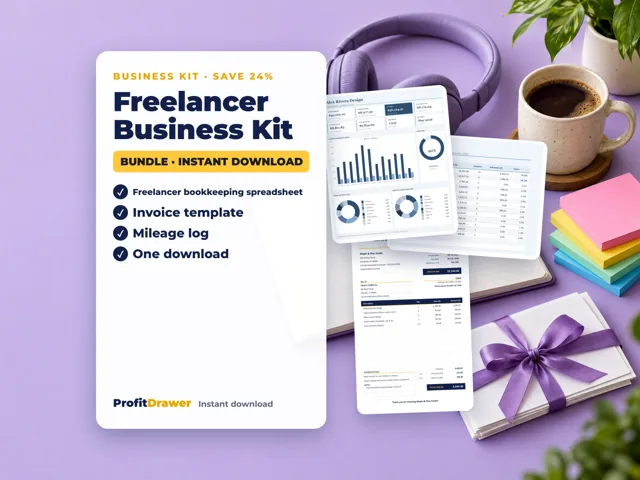
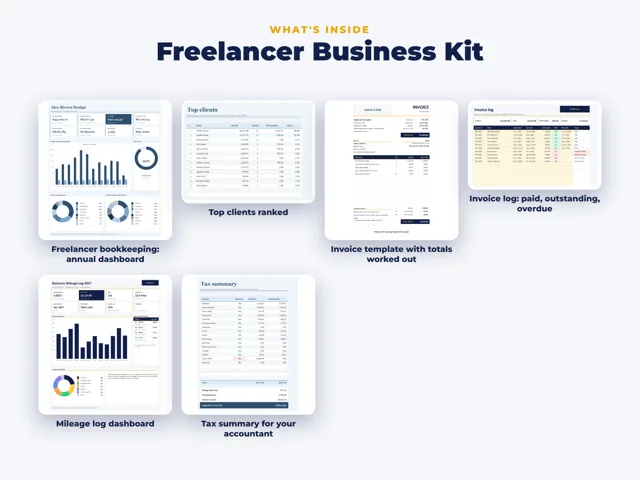
How it fits with the bookkeeping spreadsheets: the invoice template creates invoices. A ProfitDrawer bookkeeping spreadsheet does not create invoices; it records income and flags unpaid ones at 30 and 60 days. Some business kits include the invoice template. It works in a recent version of Excel.
Source: Free Invoice Template (ProfitDrawer) · Updated
Tools and spreadsheets for this
Related questions
- How do I keep track of unpaid invoices?
- Does a ProfitDrawer bookkeeping spreadsheet file my taxes or create invoices?
- What is the difference between a ProfitDrawer spreadsheet and a business kit?
- What free calculators does ProfitDrawer offer?
- What is ProfitDrawer?
- How do I download a ProfitDrawer file I bought on Etsy?
All questions on ProfitDrawer Answers →
General information, not tax, legal or financial advice. Check the rules for your state and your situation.