
Add travel in two parts: the time, paid at your hourly rate, and the driving cost per mile. ProfitDrawer's dog walking guide counts 10 minutes of travel inside a 45-minute visit, and adds 2 miles at $0.725, the IRS business rate for January to June 2026 (76 cents a mile for July to December 2026). The photography guide adds 0.5 hour of travel to a 5-hour session. Example numbers only.
How to do it:
- Time: add drive time to the hours for the job, then multiply by your hourly pay. Travel time is work time, even though the customer does not see it.
- Miles: multiply round-trip miles by a cost per mile. Our guides use either the IRS standard mileage rate or a rough running cost (several use $0.70 a mile, the pressure washing guide $0.40).
- Long drives: set a service area and add a travel fee beyond it, or a minimum job price.
- Route planning: booking jobs close together cuts both parts.
The free price per job calculator has a travel per job field (gas and parking) and an hours field that should include travel time.
The IRS standard mileage rate is a tax figure for deducting business driving; check irs.gov for the 2027 rate when it is announced. Using it in prices is a planning choice, not a tax rule. General information, not tax advice.
Source: How to Start a Dog Walking Business in Your Neighborhood · Updated
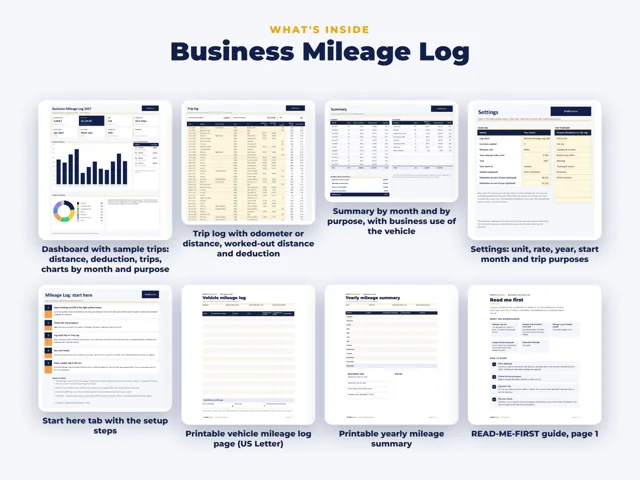
Tools and spreadsheets for this




Related questions
All questions on ProfitDrawer Answers →
General information, not tax, legal or financial advice. Check the rules for your state and your situation.