Spreadsheet
Small Business Bookkeeping Spreadsheet
$14.99
Google Sheets · Excel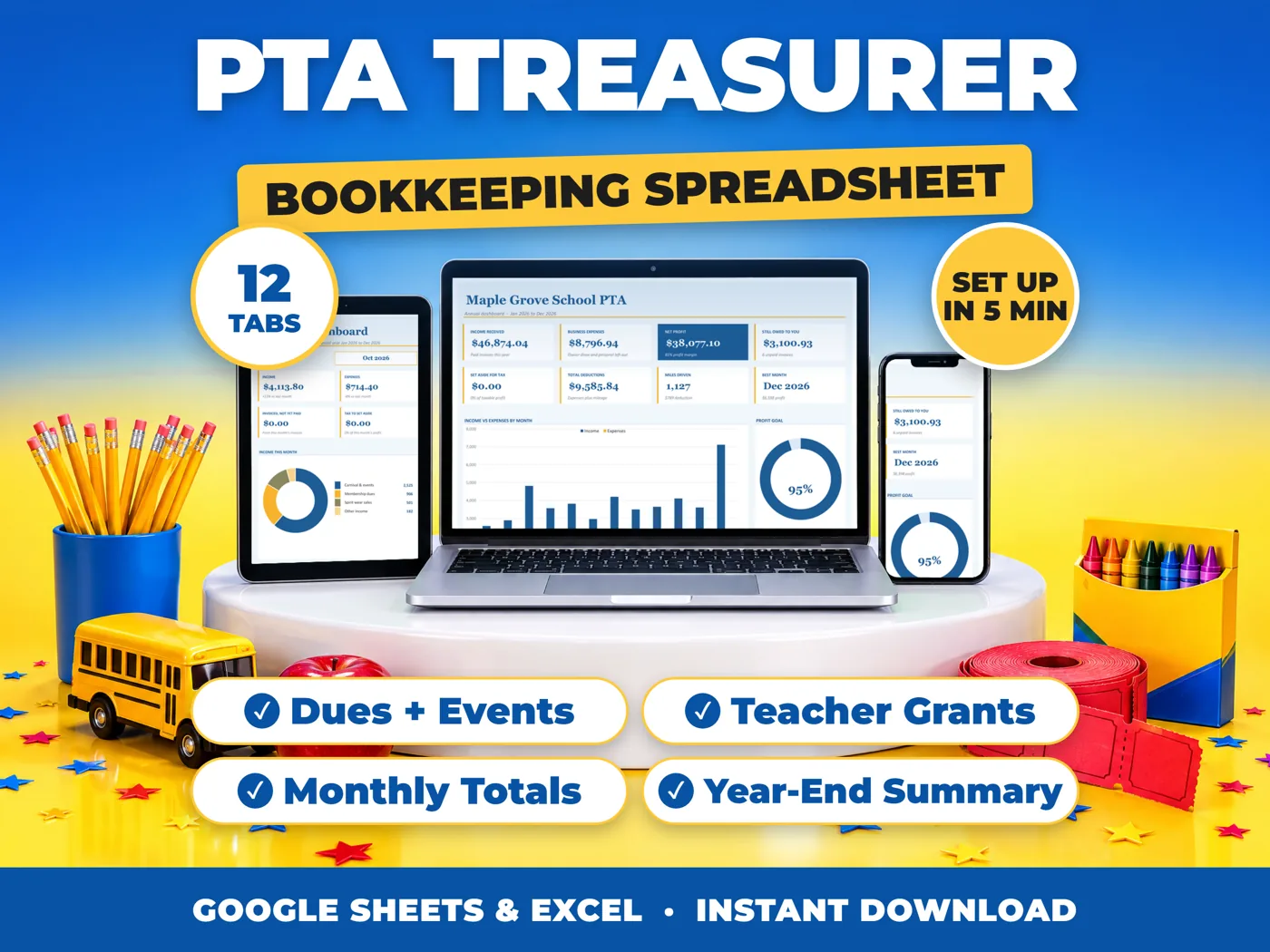
A complete pta treasurer bookkeeping spreadsheet with monthly and annual dashboards. Track money in and out, see what is left each month, follow up on unpaid amounts and get year-end totals by category - in Google Sheets or Excel.
Secure checkout through Etsy while our own checkout opens. Instant download.
Membership dues, fun runs, book fairs, spirit wear and business sponsors all come in at different times, while teacher grants, field trips and event supplies go out. Keep every dollar in one place, so you have clear totals ready for every PTA meeting.
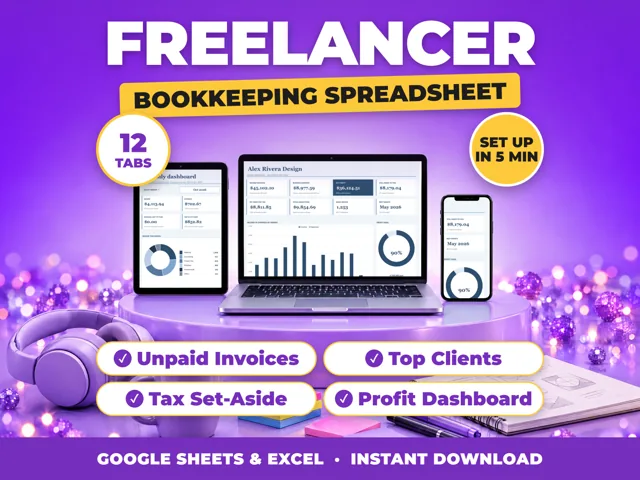
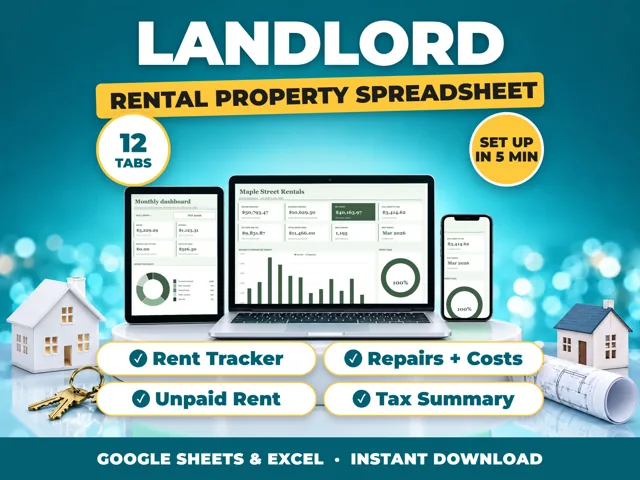
12 tabs, every formula already written and locked. No subscription. No sign-up. One payment and the files are yours to keep.
There is no shared link to expire. You import the file into your own Google Drive, so the spreadsheet is yours and cannot break.
Seven plain-English setup steps are built into the first tab. No tutorial to sit through, nothing to install and no account to make with me.
PTA, PTO, booster club and parent group treasurers at any school. This is a bookkeeping and reporting tracker, not tax or legal advice for nonprofits. The tax set-aside starts at 0%, and you can change it on Settings.
Microsoft Excel 2010 or newer (Windows or Mac), or a free Google account for Google Sheets. Nothing else. The Excel file works with no internet connection.
Nothing is posted to you. Your files are ready the moment your order goes through - find them under You, then Purchases and reviews, then Download Files.
Because the files are delivered instantly and cannot be returned, all sales are final. But if a file will not open, will not calculate, or is not what was described, message me and I will fix it or refund you. I would always rather solve the problem than leave you with something you cannot use.
This is a spreadsheet, not tax or legal advice. The summary tab adds up your categories so you have clean figures for your board, members or accountant. It does not file anything for you.
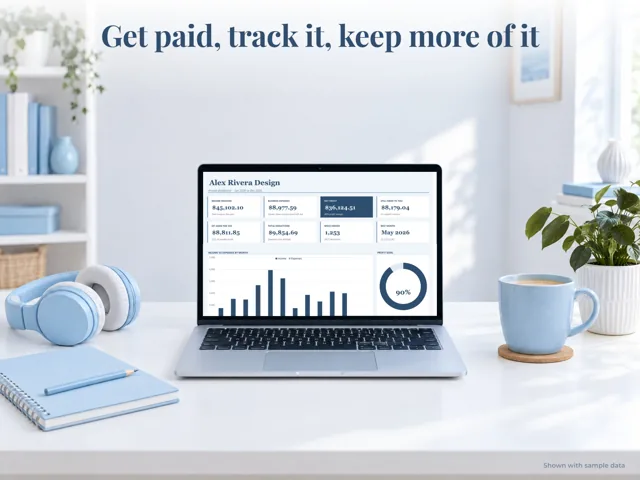
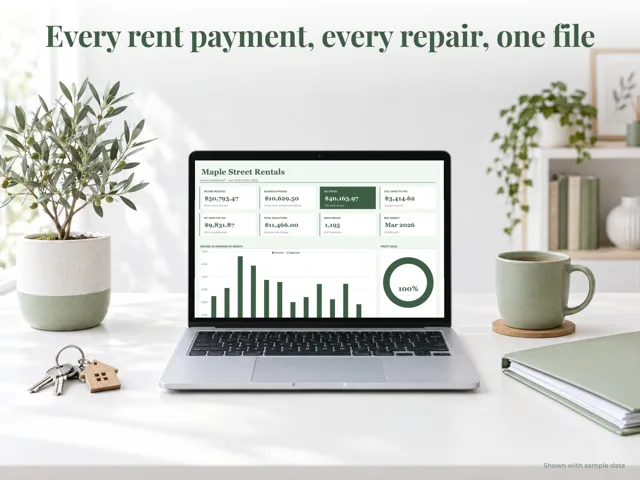
The images show the spreadsheet filled with sample data. Your copy arrives with five example rows on the Income, Expenses and Mileage tabs that you clear before you start.
Your purchase is for your own organization's use. Please do not resell or redistribute the files.
I usually reply to messages within 2 hours.
Yes. Import it into your own Google Drive in a few clicks (the guide shows how), or open it in Excel.
No. You type in your numbers; every total, chart and dashboard updates by itself.
Straight after payment you get a download link, and it is emailed to you too.
Contact us. We fix it, swap it or refund you.