
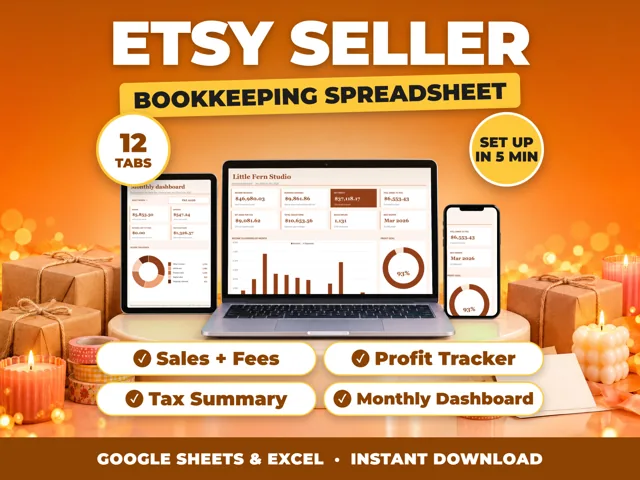
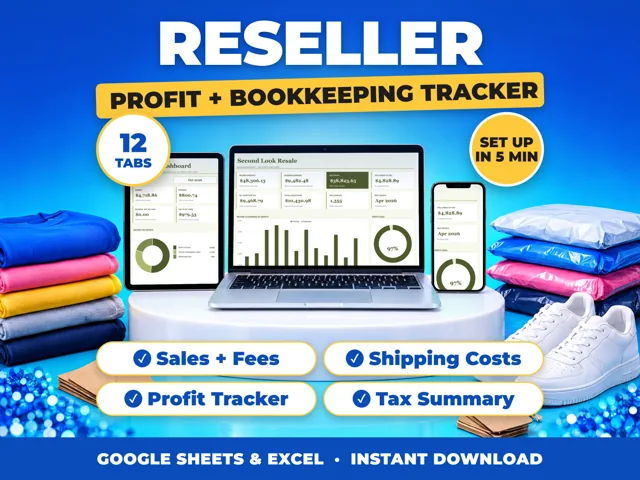
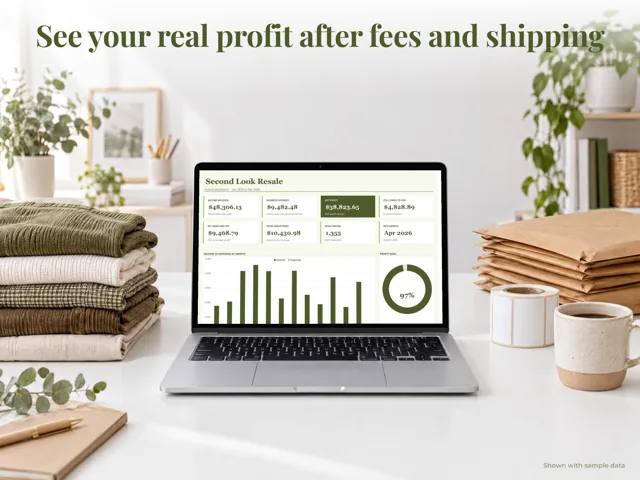
Download each payment app's monthly statement, record every business payment as its own income entry with the date, customer, amount and the app it came through, and record the app's fees as an expense. The IRS says you must report income whether or not you get a Form 1099-K, and gifts or repayments from friends are not taxable. A ProfitDrawer bookkeeping spreadsheet adds all apps together by income category and by month.
A simple monthly routine:
- Pick one day a month to export a statement or transaction report from every app you use.
- Record gross amounts. Enter the full payment as income and the processing fee as a separate expense, so your income matches what the customer paid.
- Note the app in the client or invoice number field, for example "Smith, app A".
- Mark personal transfers as non-business in the app when you can, as the IRS suggests, and leave them out of your books.
- Match transfers. When an app pays out to your bank, do not record that transfer as new income; you already counted the sales.
- Compare at year end with any Form 1099-K you receive.
Payment apps and online marketplaces must file a Form 1099-K when payments are over $20,000 in more than 200 transactions in a year, the threshold reinstated by the One Big Beautiful Bill Act, and they may also send one for lower amounts, so some sellers get a form and many do not. Their income is still taxable.
General information, not tax advice.
Source: Understanding your Form 1099-K · Updated
Tools and spreadsheets for this



Related questions
- When will a payment app send me a Form 1099-K?
- How do I keep track of business expenses as a small business owner?
- How do I reconcile my bank statement with my books?
- How do I record cash payments from customers?
- Is a spreadsheet good enough for small business bookkeeping?
- How do I keep track of business expenses in a spreadsheet?
All questions on ProfitDrawer Answers →
General information, not tax, legal or financial advice. Check the rules for your state and your situation.